
Your business, remembered.
Save your business details, upload a PNG or JPG logo and choose a document color. Reuse them on your next quote.
BUSINESS ESSENTIALS / MICROAPP 004
Quote Easy
Create a professional quote with your logo, your colors and the details that matter.
Enter your customer and products. Review prices, discounts and taxes. Save your work and download a PDF you can share.
Preview release. Purchasing opens with the store.
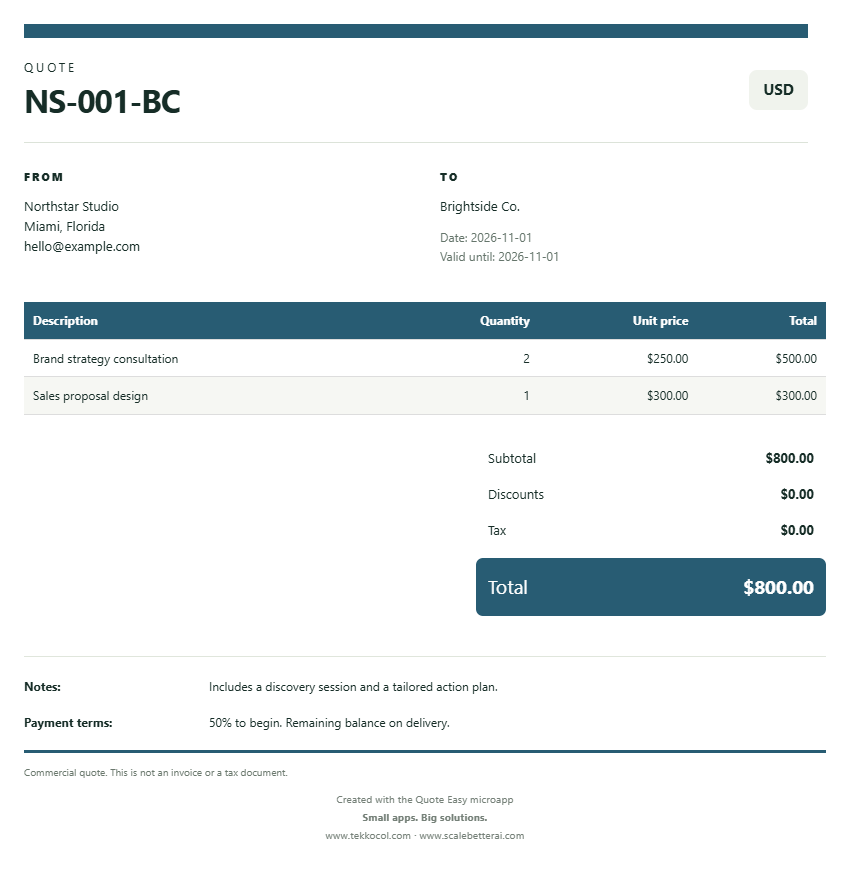 Created in Quote Easy · sample data
WHAT’S INCLUDED
A focused tool for entrepreneurs, sales professionals and service businesses preparing commercial quotes.
Save your business details, upload a PNG or JPG logo and choose a document color. Reuse them on your next quote.
Add products or services, quantities and unit prices. Apply line discounts and tax percentages, with a clear subtotal and total.
Download a multi-page PDF with aligned business and customer details, a product table, notes and payment terms.
Search, edit and duplicate saved quotes. Use a backup file to move your saved history to another device.
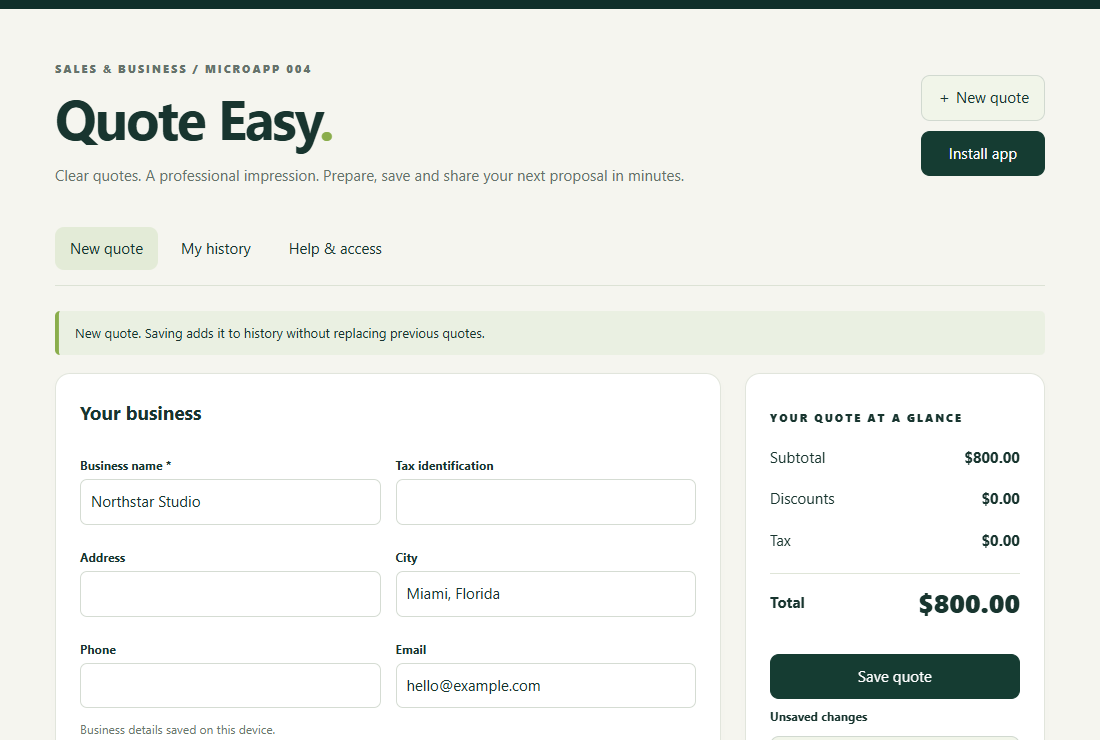
A LOOK INSIDE
HOW IT WORKS
Enter your business and customer details. Choose your logo and document color.
Add products or services, set quantities and prices, and review your totals.
Keep a copy in your history, download the PDF and use your device’s sharing options.
BEFORE YOU CHOOSE
Quote Easy creates commercial quotations. Its documents are not tax invoices. It does not handle bookkeeping, electronic invoicing or tax filing.
They stay in the browser on the device you use. They do not automatically sync between your phone and computer. Export a backup to move or protect your saved history. Clearing browser data can remove it.
Yes, on compatible devices. Open the app in Chrome on Android or Safari on iPhone, then use the installation or Add to Home Screen option. The first visit requires internet.
After the app has loaded its resources, you can prepare quotes and generate PDFs without a connection. Opening websites and sending files through other services still require the connection those services need.
You can label a quote in USD, COP or EUR; Quote Easy does not convert exchange rates. The interface and documents support English and Spanish. Text you enter is not automatically translated.
A downloadable PDF that preserves your document’s layout, including the logo and color you choose. Pages are rendered as images, so the PDF text is not selectable.
Quote Easy is currently in its preview release. The planned one-time launch price is US$3.99. The store will display the final price, license and purchase conditions when sales open.
QUOTE EASY / BY SCALE BETTER AI